

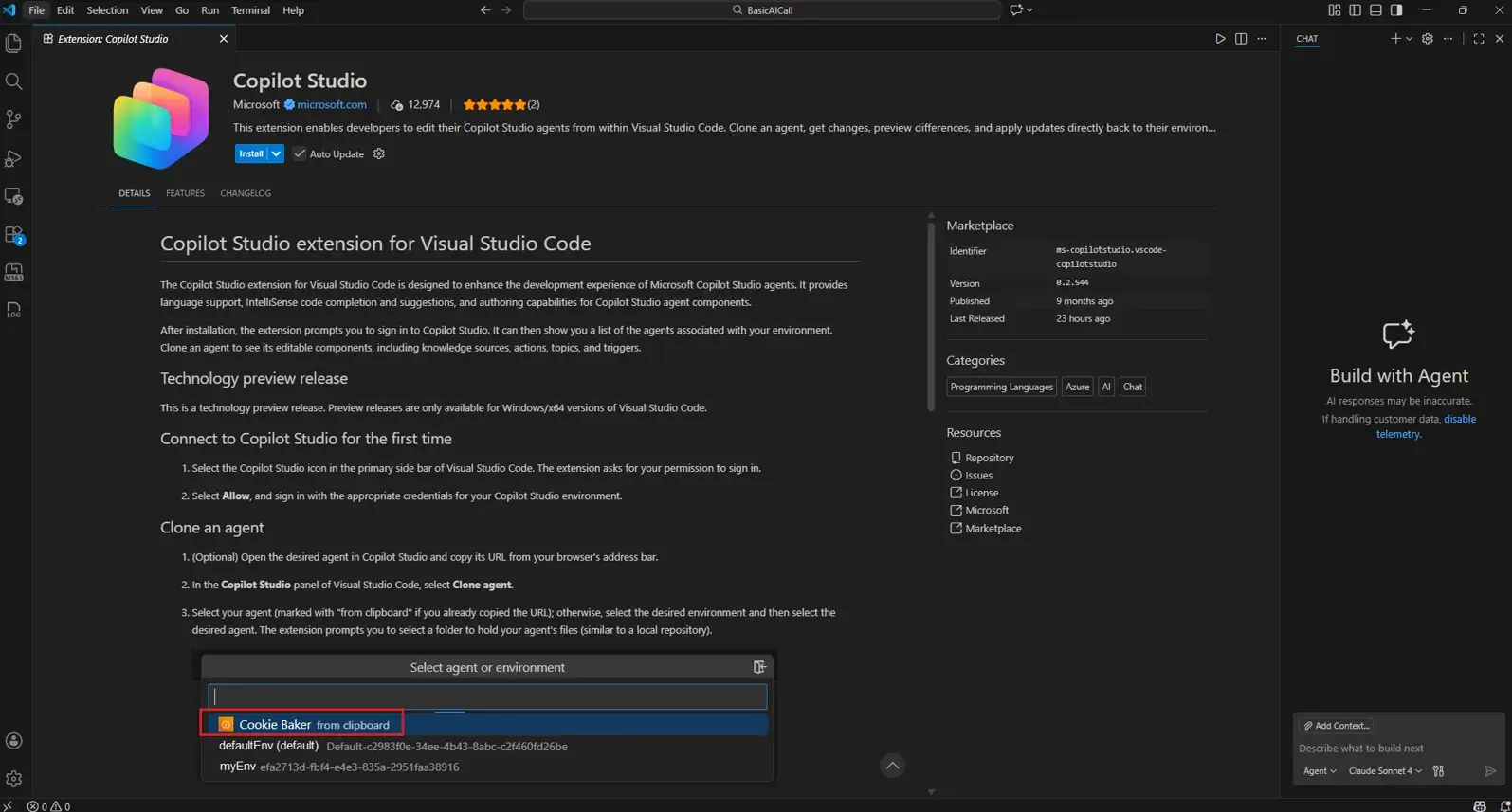
Microsoft has just released the Copilot Studio extension for Visual Studio Code, graduating it to the status of Generally Available (GA). With the Copilot Studio extension, developers can build, edit, and manage AI agents directly within VS Code. This transforms agent creation from a web-based UI task into a professional software development workflow.
Copilot Studio is primarily a low-code platform, but by bringing the extension to the IDE, Microsoft wants to enable pro-code capabilities that allow teams to use existing tools like Git, CI/CD pipelines, and advanced AI assistants to build more complex agents for the enterprise.
The Copilot Studio extension supports local agent definitions where you can clone the full agent definition rather than just a solution file to your local machine. This includes topics, tools, triggers, settings, and knowledge references. It also delivers a pro-code workflow with the following features:
- Syntax highlighting and IntelliSense deliver code completion and error checking while editing agent YAML files.
- Side-by-side diffing allows you to compare local changes against the cloud version before applying them.
- Finally, syncing allows you to use the “Apply Changes” command to push updates back to the cloud for testing.
Microsoft also said that now your agent is represented as local files, you can use your standard GitHub or GitLab workflows for version control, pull requests, and code reviews. You can also use GitHub Copilot or Claude Code within VS Code to help write new topics or troubleshoot logic in your agent’s definition.
Before the GA of this extension, managing agents with dozens of topics could be difficult to track. Now you can use VS Code’s global search to find specific logic across all topics instantly. You can also integrate agent definitions into your automated deployment processes so that your agents move through Dev, Test, and Prod environments with the same rigor as your web apps. It also enables multi-developer collaboration by allowing to your leverage standard branch-based development
To get started, go to the VS Code Marketplace and search for “Microsoft Copilot Studio”, then install it. You then need to sign in to your Microsoft account associated with your Copilot Studio environment. ৃ আমি h


Comments Section
Comments
Processing your comment...
Share Your Thoughts
No comments yet
Be the first to share your thoughts!